
Install IPTV Smarters on an Android Box: Setup Guide
To install IPTV Smarters on an Android box, check the Google Play Store first, but install only a listing you can verify. Same-name listings exist
Watch IPTV on Smart TV: Setup Guide
To watch IPTV on smart TV sets, install IPTV Smarters Pro from your TV’s own store, then log in with your provider’s Xtream Codes credentials.
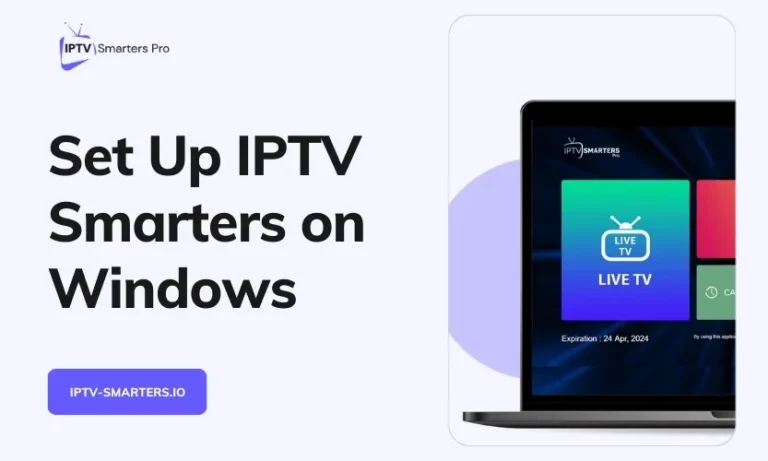
Install IPTV Smarters on Windows 11: What Works Now
A step-by-step guide to installing IPTV Smarters on Windows 10/11 – Learn how to download, set up and use IPTV player on windows.
Install IPTV Smarters on Vizio Smart TV: 3 Real Ways
To install IPTV Smarters on Vizio Smart TV, you do not download an app onto the TV at all. Vizio’s SmartCast system, now called VIZIO
Install IPTV Smarters on Samsung Smart TV and LG
Step-by-step instructions for downloading, installing & setting up IPTV Smarters on Samsung & LG Smart TVs to start streaming live IPTV channels & VOD content.
How to Install IPTV Smarters on Firestick and Fire TV
Learn how to install IPTV Smarters on FireStick with our step-by-step guide. Set up and enjoy streaming your favorite content easily.
How to Install IPTV Smarters on Android TV & Mobile
This guide covers installing IPTV Smarters on Android TVs, Firesticks, phones and tablets. Learn to access live TV and VOD through IPTV Smarters.